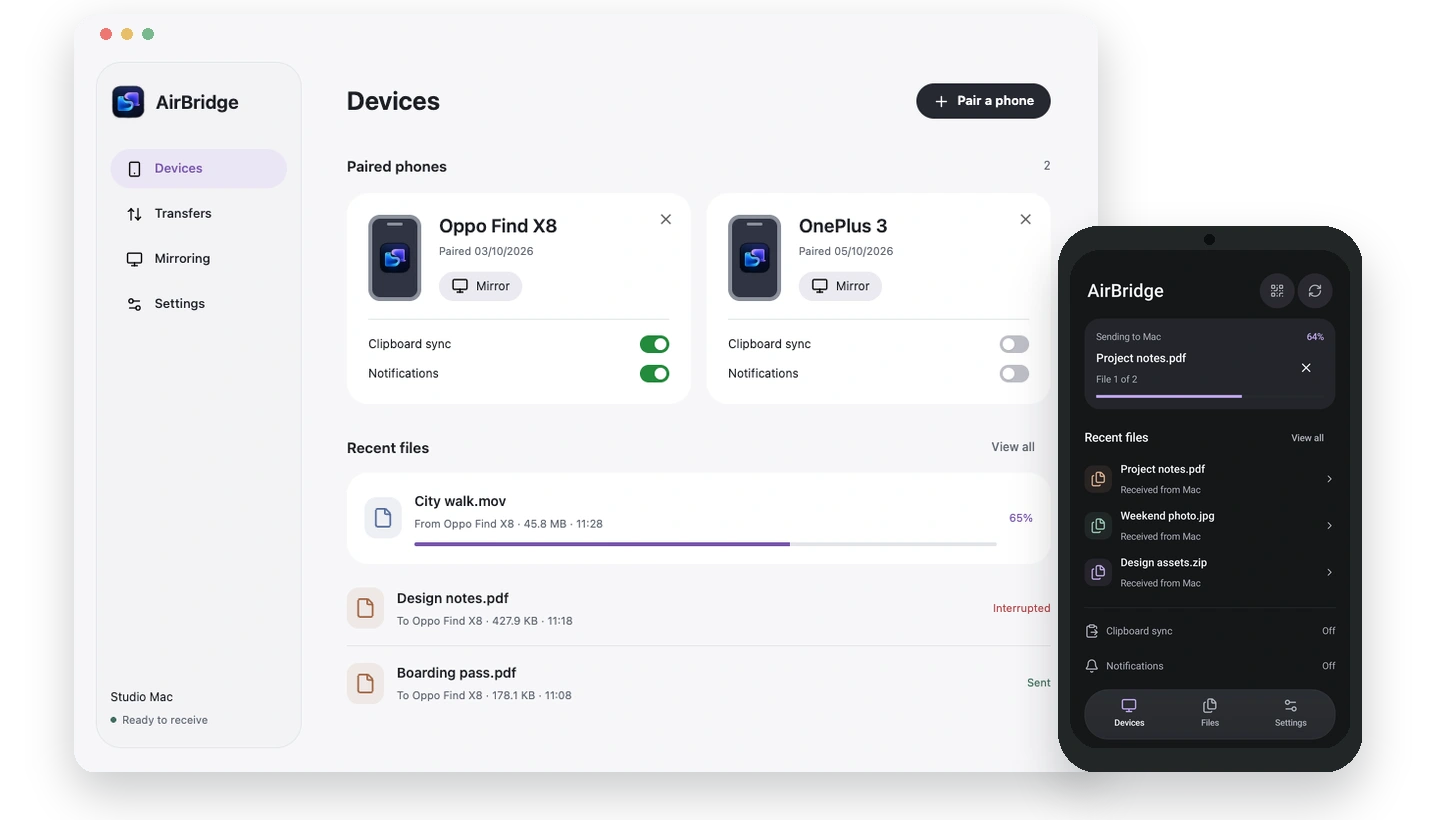
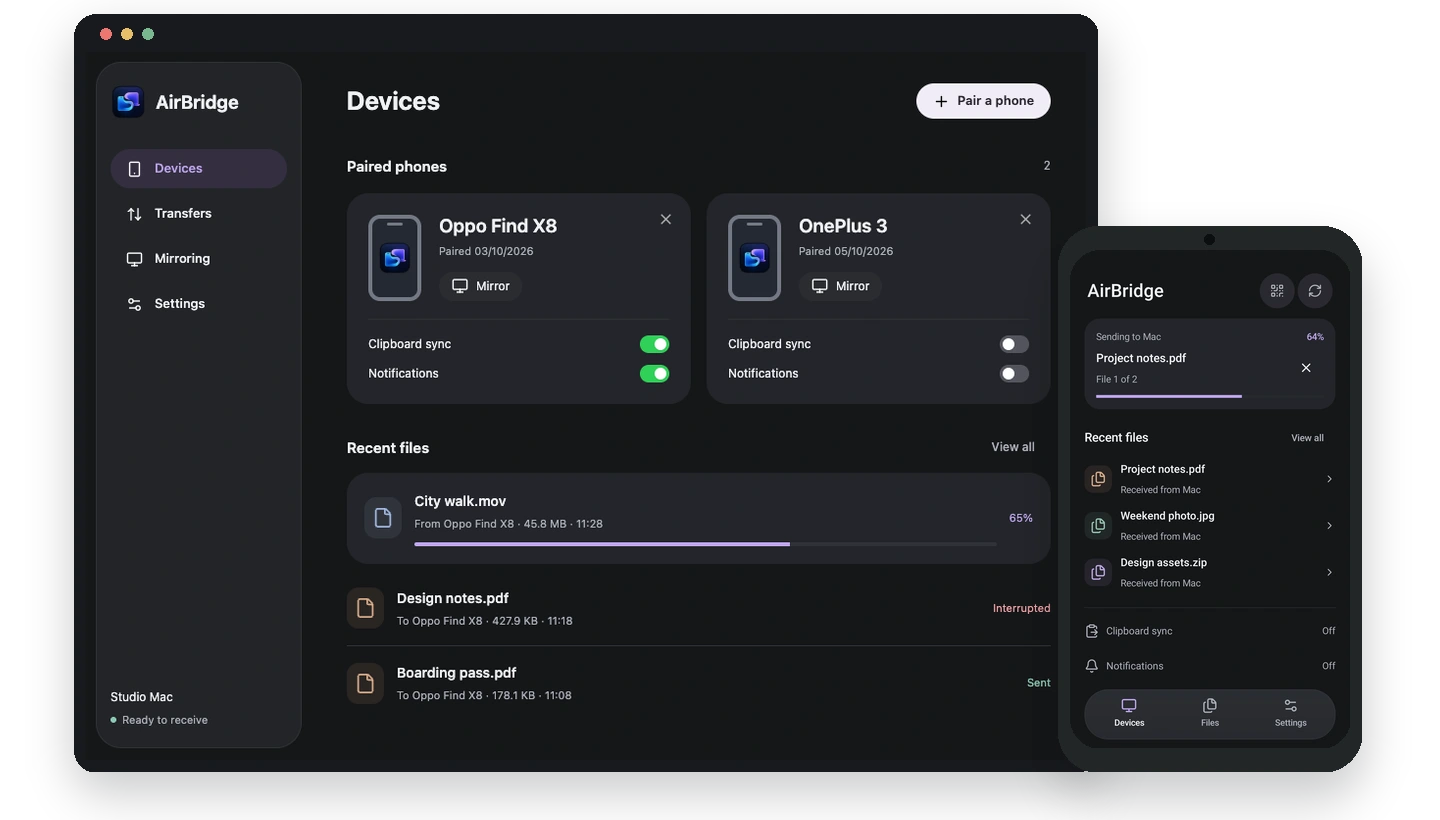
AirBridge.
Your Mac. Your Android. Together.
Files, clipboard, notifications, and screen sharing.
A little
less switching. A lot more flow.
Two devices. One very good connection.
BETTER BETWEEN DEVICES
Keep your devices.
Lose the back-and-forth.
Your favorite phone and your favorite computer.
They should be
on the same team.
From here
to there.
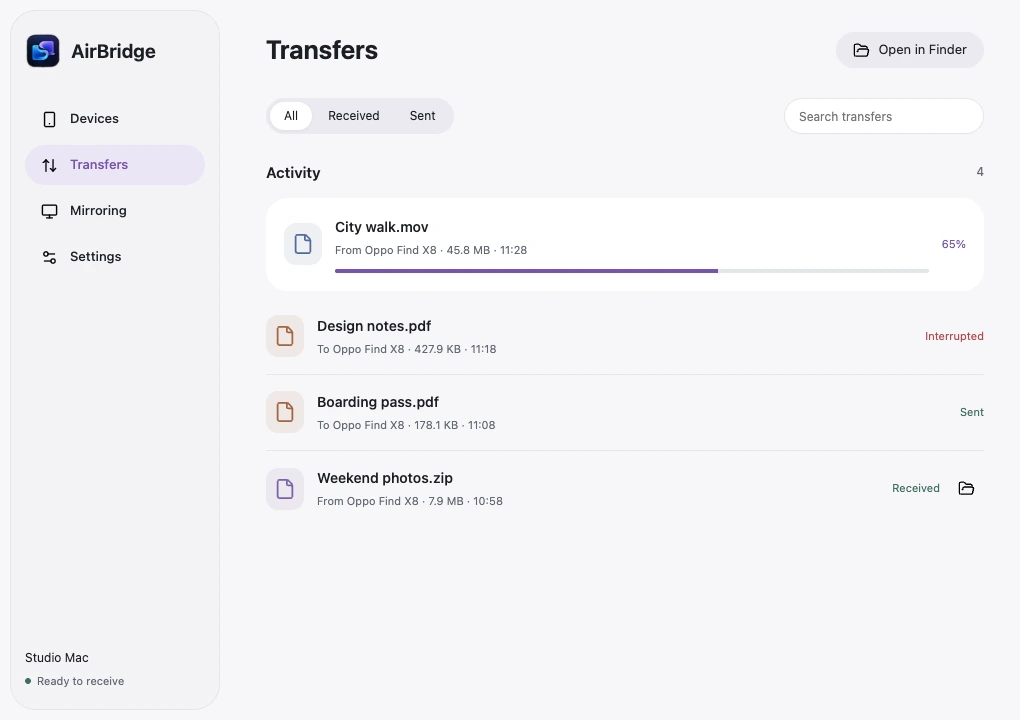
A photo on your phone. A PDF on your Mac. Send either one from the share menu you already use.
- Send from Finder or Android's share sheet
- Original files, over your local network
- You choose what to accept on Android
Copy on one.
Paste on the other.
That address, the perfect screenshot, a note for later. Text and images can move between your devices without a message to yourself.
- Text, PNG, and JPEG clipboard support
- Opt in separately on each device
- No saved clipboard history
Android-to-Mac sync needs AirBridge in front, the optional AirBridge keyboard, or Shizuku for background text. Image paste support varies by app.
Choose your clipboard setupGood coffee.
A long walk.
No rush.
A heads-up.
Not a phone pickup.
See the Android notifications you choose as native Mac alerts. Reply to supported messages right from the notification.
- Choose which apps can reach your Mac
- Message previews are off by default
- No notification history stored by AirBridge
Replies depend on the source app. Call alerts are supported; answering calls and call audio on Mac are not.
Set up your notificationsJust the things that matter
 Messages via AirBridge
From your Android phonenow
Messages via AirBridge
From your Android phonenow
Maya
Coffee at 4? I know a good place.
Your apps.
Your call.
Your phone.
A bigger picture.
Bring your Android screen onto your Mac over Wi-Fi. Handy for walking through an app or sharing something small on a bigger display.
- No cable or debugging for Wi-Fi viewing
- You start it. You approve every session.
- Stop from either device
Wi-Fi mode is view-only, without audio or recording. Optional control uses a separate debugging setup.
See the mirroring setup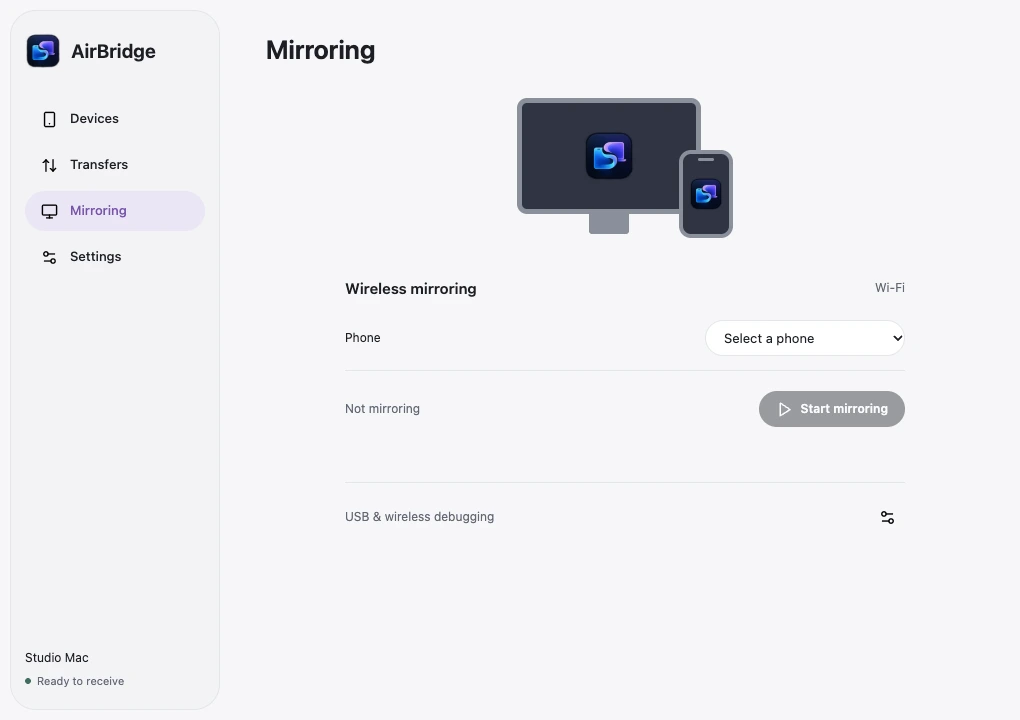
A SHORTER ROUTE IS A BETTER ROUTE
Across your desk.
Not across the internet.
Your paired devices communicate directly over your local network, using a pinned TLS connection. No account. No cloud relay for your files.
A closer look at privacyPairing is yours A QR code establishes trust.
Permission is yours Turn on only what you need.
Control stays yours Remove a device at any time.
FROM TWO DEVICES TO ONE TEAM
A simple introduction.
A lasting connection.
-
01
+
Meet on the same Wi-Fi.
Install AirBridge on your Mac and Android phone. Connect them to the same local network.
-
02
One scan. Hello, Mac.
Choose Pair a phone on Mac, then scan its QR code in AirBridge on Android.
-
03
Make the connection yours.
Choose clipboard sync, notifications, or screen-sharing requests. Nothing turns on without you.
THE SMALL PRINT, WITHOUT THE SQUINT
Good to
know.
A few things before
your devices meet.
What do I need?
A Mac running macOS 14 or later, an Android phone running Android 8 or later, and both devices on the same Wi-Fi or local network. Keep the Mac app running. Guest-network isolation, VPNs, or firewalls can prevent devices from connecting.
Do I need an account or internet connection?
No account is required. Once both apps are installed, pairing and transfers happen over your local network without a cloud service. You do need a local connection between the devices.
Do I need root, Shizuku, or USB debugging?
Not for file sharing, notifications, or view-only Wi-Fi mirroring. For automatic Android-to-Mac text clipboard sync, you can use the optional AirBridge keyboard or Shizuku. Without either, bring AirBridge to the foreground to send copied content. The optional scrcpy control mode requires debugging.
Can I keep using Gboard?
Yes. The AirBridge keyboard is optional. With Gboard, bring AirBridge forward after copying to sync to Mac, or use optional Shizuku for background text sync. Background image access still depends on Android's URI permissions.
Can I answer phone calls on my Mac?
You can see call alerts from selected phone apps. Answering calls and using your Mac's microphone or speakers for a phone call are not supported.
Where can I download it?
The Mac preview is available for Apple Silicon and Intel. The public Android build is still being prepared. Neither app is available on the App Store or Google Play. .
KEEP WHAT YOU LOVE. CONNECT THE REST.